
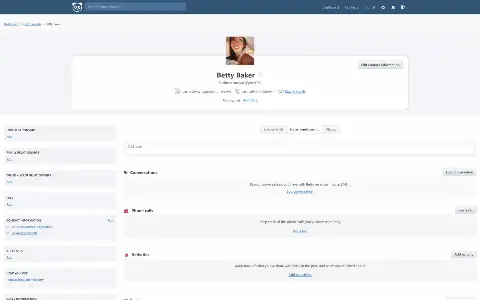

Monica Work & team· Instead of Dex
A personal CRM for friends and family: birthdays, conversations and the message you keep meaning to send.

A feedback board for your product: post ideas, vote, show the status publicly.
Fider is an open suggestion box for your product: users write down wishes and bugs, vote on existing entries and discuss them in comments.
You assign tags, set the status and answer publicly — so everyone sees what is planned and what is not.
 Vote, comment, merge duplicates Statuses like planned, started, completed Sign-in by email link or OAuth Your own branding and domain
Good to know before the first start. Fider signs in exclusively through emailed links — without working mail delivery you cannot get into your own board. On the first visit you set the board name and your address; the confirmation link in the first email makes you the administrator.
Also instead of UserVoice, Productboard, Featurebase, Nolt.
The board runs on your domain and looks like you No cap on posts, votes or users Your users’ feedback lives in your own database| Canny and Podless | Canny | On Podless |
|---|---|---|
| Where the data lives | CannyOn the provider’s servers | On PodlessIn your own instance in the EU |
| Source code | CannyNot open to read | On PodlessOpen, you can read what runs |
| Ads and profiling | CannyPer the provider’s terms | On PodlessNone |
| Your own domain | CannyUsually not offered | On PodlessIncluded, certificate too |
| Getting out again | CannyAs far as the provider allows | On PodlessSFTP, database, backups to your storage |
| If it gets shut down | CannyYou have to move | On PodlessYou decide when you leave |
At the recommended size (0.5 cores · 1 GB RAM · 10 GB Storage) about €2.80 a month, billed by the hour. Stop Fider and you only pay for storage.
No. No server, no Docker, no terminal commands. You click start and Fider runs. Updates are tested on our own instances first and then rolled out.
In your own Fider instance on servers in Germany and France; bulk storage sits in Frankfurt. Add your own S3 bucket and we back up there daily, encrypted.
Fider is open source and keeps running on your own server. You fetch the files over a time-limited SFTP access and reach the database with the credentials from the dashboard.
A personal CRM for friends and family: birthdays, conversations and the message you keep meaning to send.
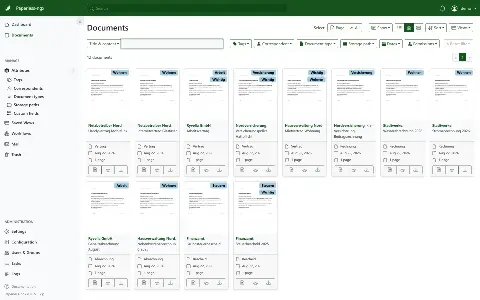

Document management for the paperless office: scan, recognise text, tag, find again.
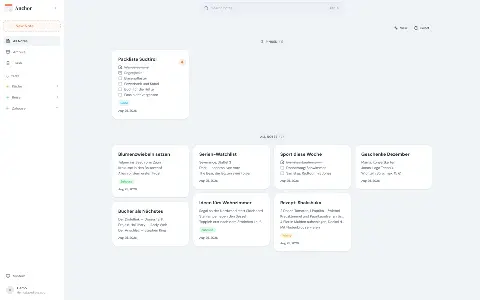

A notes app with sync: write offline, images and voice memos, history per note.