
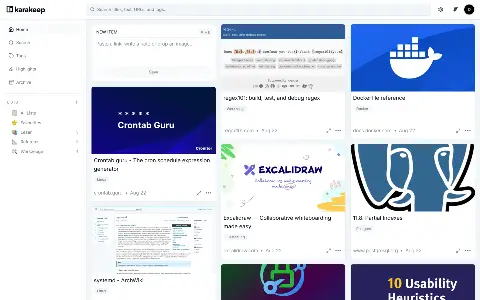

Karakeep Reading & archive· Instead of Pocket
A bookmark manager that keeps things: links, notes and images with a full copy of every page.

Archive web pages permanently — as HTML, PDF, screenshot and WARC.
ArchiveBox saves web pages in several formats at once so content stays readable after moves or deletions.
It processes bookmark exports, RSS feeds and single addresses and searches the archive in full text — your own internet archive.
 HTML, PDF, screenshot and WARC per page Import from browser bookmarks and RSS Full-text search across the archive Schedules for recurring captures
Good to know before the first start. ArchiveBox downloads the target pages itself when archiving, including embedded media. Expect storage to grow noticeably.
Tags, search and nothing else, fast even with ten thousand entries Pages that matter to you are kept as a copy Your collection lives in your own databaseReadeck accepts the Pinboard JSON backup directly. Linkding and ArchiveBox read bookmarks in the HTML format that browsers export.
| Pinboard and Podless | Pinboard | On Podless |
|---|---|---|
| Where the data lives | PinboardOn the provider’s servers | On PodlessIn your own instance in the EU |
| Source code | PinboardNot open to read | On PodlessOpen, you can read what runs |
| Ads and profiling | PinboardPer the provider’s terms | On PodlessNone |
| Your own domain | PinboardUsually not offered | On PodlessIncluded, certificate too |
| Getting out again | PinboardAs far as the provider allows | On PodlessSFTP, database, backups to your storage |
| If it gets shut down | PinboardYou have to move | On PodlessYou decide when you leave |
At the recommended size (2 cores · 4 GB RAM · 50 GB Storage) about €6.50 a month, billed by the hour. Stop ArchiveBox and you only pay for storage.
No. No server, no Docker, no terminal commands. You click start and ArchiveBox runs. Updates are tested on our own instances first and then rolled out.
In your own ArchiveBox instance on servers in Germany and France; bulk storage sits in Frankfurt. Add your own S3 bucket and we back up there daily, encrypted.
ArchiveBox is open source and keeps running on your own server. You fetch the files over a time-limited SFTP access and reach the database with the credentials from the dashboard.
A bookmark manager that keeps things: links, notes and images with a full copy of every page.
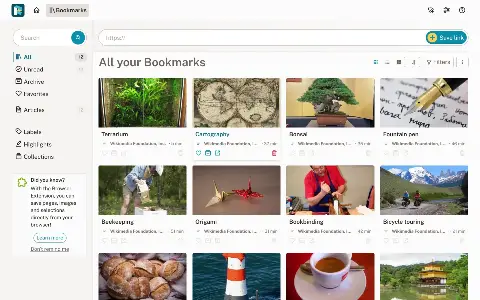

Read later without ads: save articles, highlight them, take them along as an e-book.
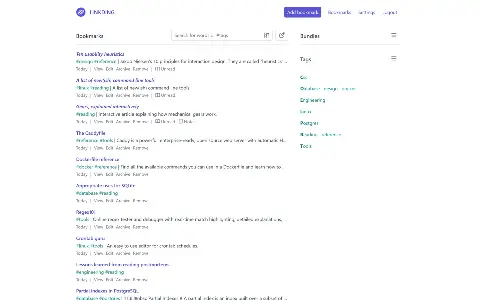

Bookmarks, fast and without the extras: save, tag, find again.